Citations with NoodleTools
Completion requirements
1. Tips for accessing an article from a database from NoodleTools or Google Docs
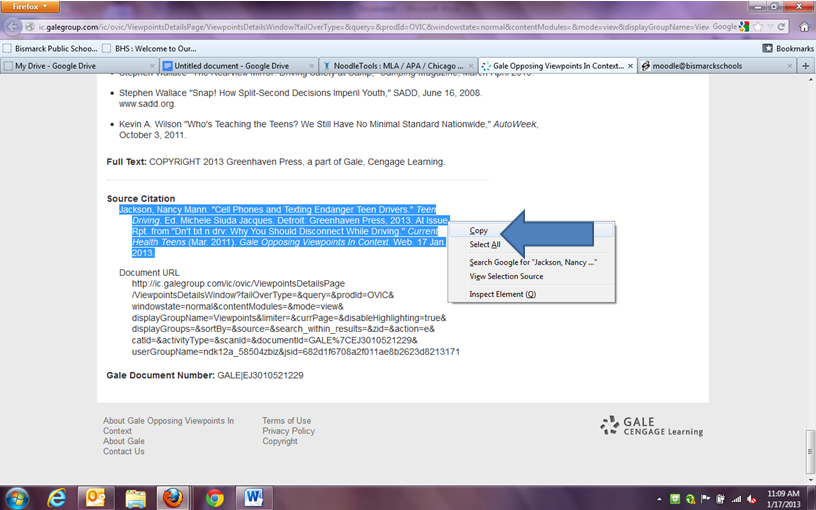
1.12. Copying the URL from Opposing Viewpoints into Google Docs
If you want to copy and paste the citation directly into Google Docs scroll to the bottom of the article and copy the citation. We recommend using Ctrl+C, this helps keep the formatting when pasting into Google Docs.