
VoiceThread Tutorial for Students
Completion requirements
Book Module
Creating
How do I import media from one VoiceThread I've created into another?
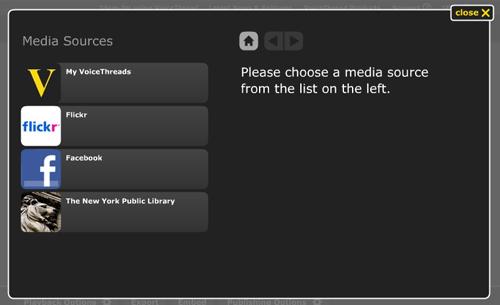 To import the slides from your own VoiceThreads into a new one, please follow these steps:
- Go to the Create/Edit mode of a VoiceThread.
- Click the button labeled 1. Upload from the menu on the left.
- Click the button labeled My VoiceThreads.
- Click on the link that says Click here to import your pages.
- Select a VoiceThread from the list to display the slides in that VoiceThread.
- Click on a slide you want to import. You can select multiple slides.
- Click the Import button at the top of the window.