
VoiceThread Tutorial for Students
Completion requirements
Book Module
Creating
How do I import a file from a website into a VoiceThread?
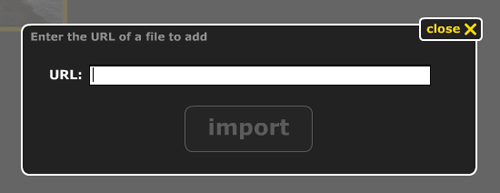
In the Edit mode of a VoiceThread, click 1. Upload in the menu on the left. When this menu opens, click on the button labeled URL. This will open a dialog that will allow you to paste a public link to any file on the Internet, which will then add the contents of that file to your VoiceThread. Please keep in mind that this must be a direct link to the image, video, or document. If it's not a direct link, you'll need to download the image or file to your computer, and then upload the file from your computer.